Blog
Guides on image compression, file formats, and what's hiding in your photos.
How to Resize a Photo Without Stretching or Distorting It
Squished faces, stretched logos, warped proportions — here's why resizing distorts a photo, and the three ways to avoid it.

Does Instagram Remove EXIF Data? What About Facebook and X?
Does Instagram remove EXIF data when you post? Here's what's publicly documented about Instagram, Facebook, and X's metadata handling, and why you shouldn't rely on it.
Best Free Image Compressors With No Sign-Up Required
Don't want to create an account just to shrink a photo? Here are the best free image compressors that work without signing up.
Kroma Lab: A CloudConvert Alternative for Photos Only
CloudConvert converts 200+ file types through a server-side API. For a single photo, here's when that's overkill and when Kroma Lab is the simpler choice.
Passport Photo Size Requirements: What Size To Use
Passport and visa photo uploads usually cap file size well below a normal phone photo. Here's how to get yours to the right size without losing quality.

WebP vs. PNG vs. JPEG: Which Format for Your Website?
WebP vs PNG vs JPEG, compared for real website use — file size, quality, transparency support, and which one to pick for which situation.
HEIC vs. JPEG: The Real Difference, and Which to Use
HEIC vs JPEG, explained simply: what's actually different, why iPhones default to HEIC, and when you should convert to JPEG instead.
AVIF vs. WebP: Is It Actually Worth Switching in 2026?
AVIF vs WebP: how much smaller AVIF actually is, what it costs you in encode time and support, and whether switching is worth it for your site.
Why Won't My HEIC Photo Attach to This Email or Form?
HEIC photo won't attach or upload? Here's why, and the fastest way to convert it so it works on the first try.
Why Won't My iPhone Photos Open on Windows? (HEIC Explained)
iPhone photos showing as broken files or blank thumbnails on your PC? Here's why HEIC causes it, and how to fix it in seconds.

The Hidden Cost of 'Free' Online Photo Tools: What Happens to Your Uploads?
Free online photo tools need to process your file somehow. Here's what 'upload, process, delete' actually means, and the questions worth asking before you use one.
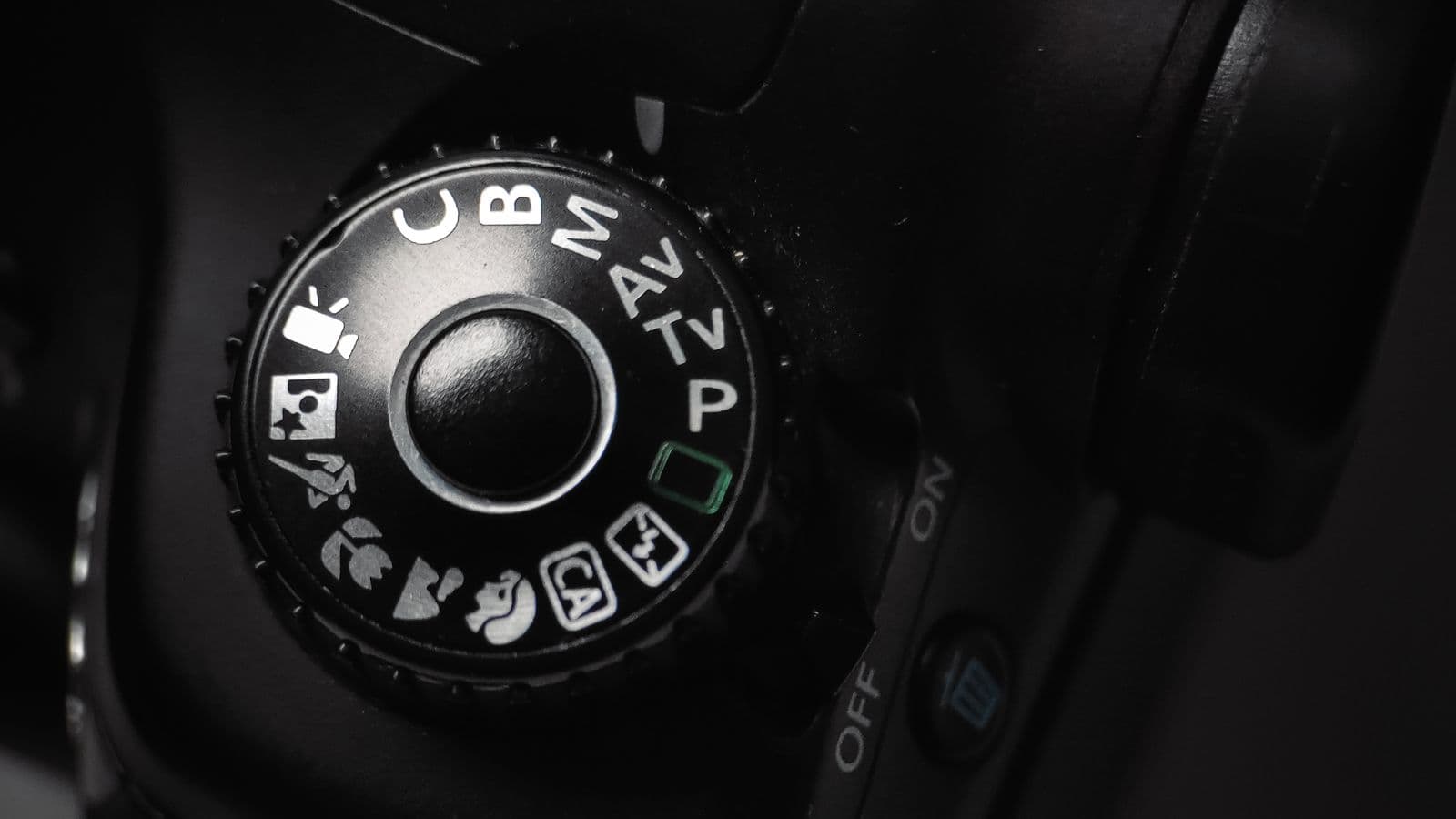
JPEG Quality Settings Explained: What '80%' Actually Means
JPEG quality settings explained in plain English — what the percentage actually controls, and what setting to use for different situations.

A Photographer's Guide to EXIF: Keep This, Strip That
Not all EXIF data is worth removing. This photographer's guide to EXIF covers what's genuinely useful to keep, and what to strip before publishing.
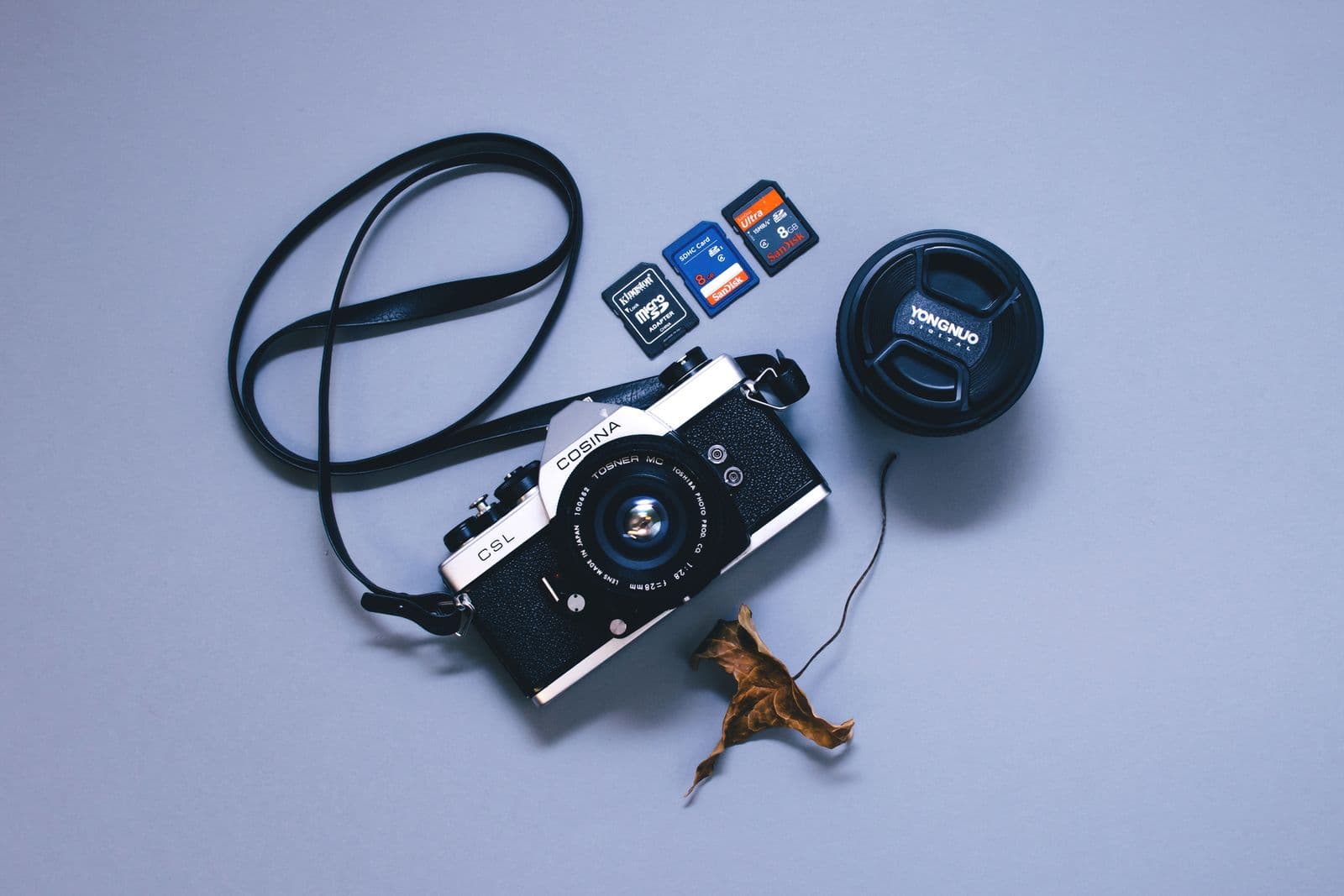
Complete Guide to Image Formats: JPEG, PNG, WebP, AVIF, HEIC
A plain-English image format comparison guide covering JPEG, PNG, WebP, AVIF, and HEIC — what each is for, and how to convert between them.

How We Built Image Processing in the Browser (No Server)
How Kroma Lab compresses, converts, and reads photo metadata entirely in the browser — WASM codecs, web workers, and no upload endpoint at all.
Kroma Lab: The TinyPNG Alternative That Skips Uploads
TinyPNG is a great compressor with a much bigger product line. Kroma Lab does compression, conversion, and metadata cleanup without uploading your file. Here's the real comparison.
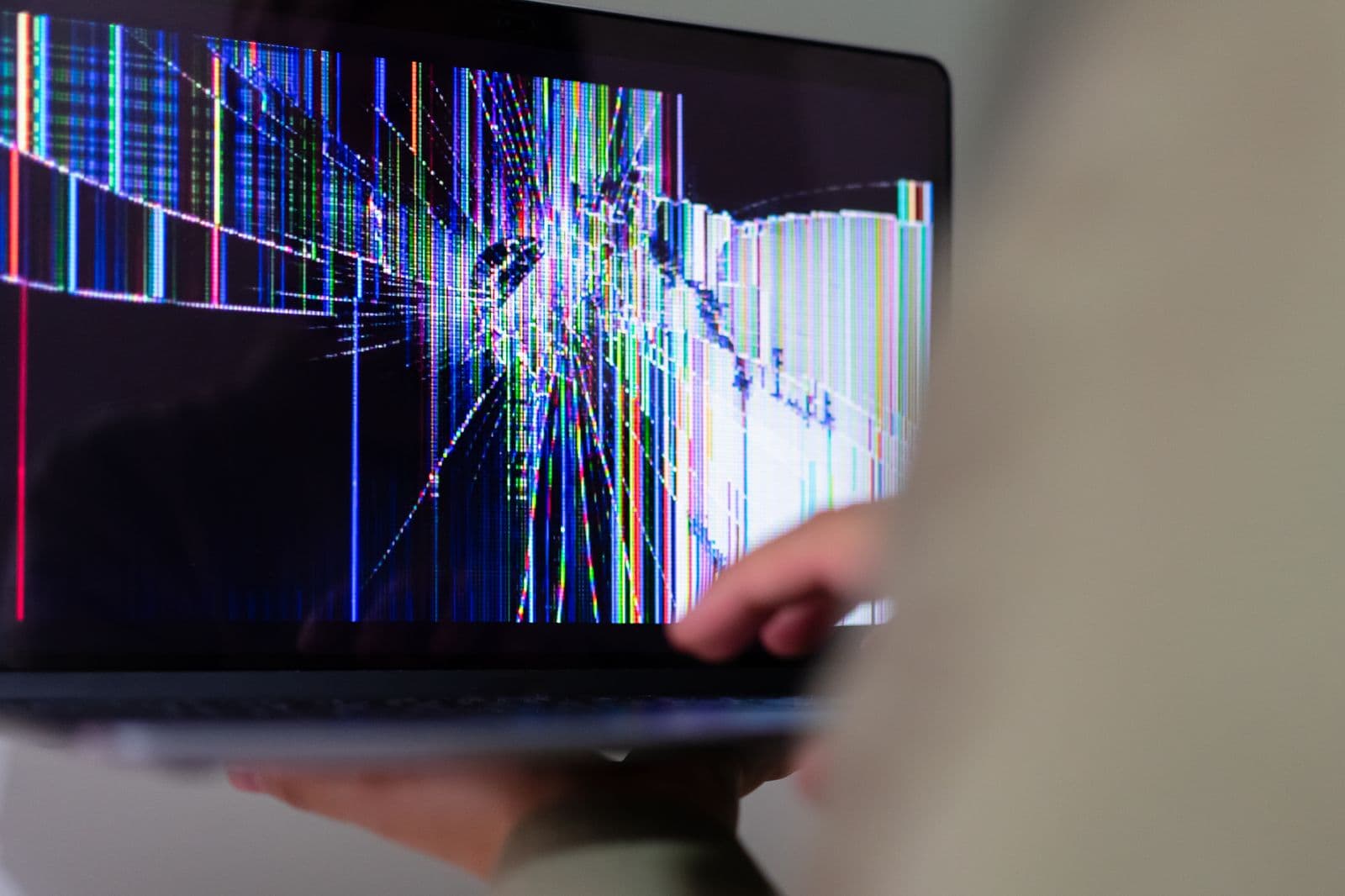
Why Does a Compressed Image Look Blurry? The Real Reason
Compression doesn't have to mean blurry. Here's what actually causes visible quality loss, and how to compress a photo without it happening.
How to Tell If a Photo Was Taken With an iPhone or Not
Curious what device shot a photo? Here's how to tell if a photo was taken with an iPhone (or anything else) using the file's own hidden data.
How to Compress a Photo for a Job Application, Fast
Job portal rejecting your photo for being too large? Here's how to get it under the limit in seconds, without visible quality loss.

Remove Metadata From Real Estate Photos Before You List Them
Listing photos carry hidden metadata by default, including precise GPS. Here's why real estate agents should strip it before publishing, and how.

Best Tools to Remove GPS and EXIF Data From Photos in 2026
A practical rundown of the best tools to remove GPS and EXIF data from photos in 2026 — from one-click browser tools to power-user options.

Best Free HEIC to JPG Converters You Can Try in 2026
A rundown of the best free HEIC to JPG converters in 2026 — which ones upload your photo, which run locally, and which is right for your situation.

Kroma Lab: A Squoosh Alternative With Guided Compression
Squoosh and Kroma Lab both process images entirely in your browser. Here's how they actually differ — format support, metadata tools, and who each is for.
Does Posting a Photo Online Reveal Your Exact Location?
Many photos carry the exact GPS coordinates of where they were taken. Here's how to check yours, and how to remove it before you post.
What Is EXIF Data and Why Does Every Photo Have It?
What is EXIF data, exactly? A plain-English explainer on the hidden information embedded in nearly every photo you take, and how to check yours.
How to Stop Your iPhone From Taking HEIC Photos, For Good
Tired of converting HEIC photos one by one? Here's how to stop your iPhone from taking HEIC photos in the first place, in under a minute.

WhatsApp Image Size Limit and How to Work Around It
WhatsApp compresses photos hard by default. Here's the WhatsApp image size limit, why your photos look worse after sending, and how to control it.
Before You Sell Online, Remove This From Your Photos
Selling something online? Your product photos may carry your home address in hidden metadata. Here's how to check and remove it before listing.

Kroma Lab: An iLoveIMG Alternative With No Upload Step
iLoveIMG offers a huge toolset but uploads your files to process them. Here's how it compares to Kroma Lab's browser-only approach.
How Much Can You Compress a Photo Before It Looks Bad?
A practical breakdown of what happens at each compression level, so you know how far you can push a file size target before quality visibly suffers.
Social Media Image Size Requirements: The Full Cheat Sheet
Instagram, LinkedIn, X, and email attachment limits, all in one place — plus how to get any photo under the right one in seconds.