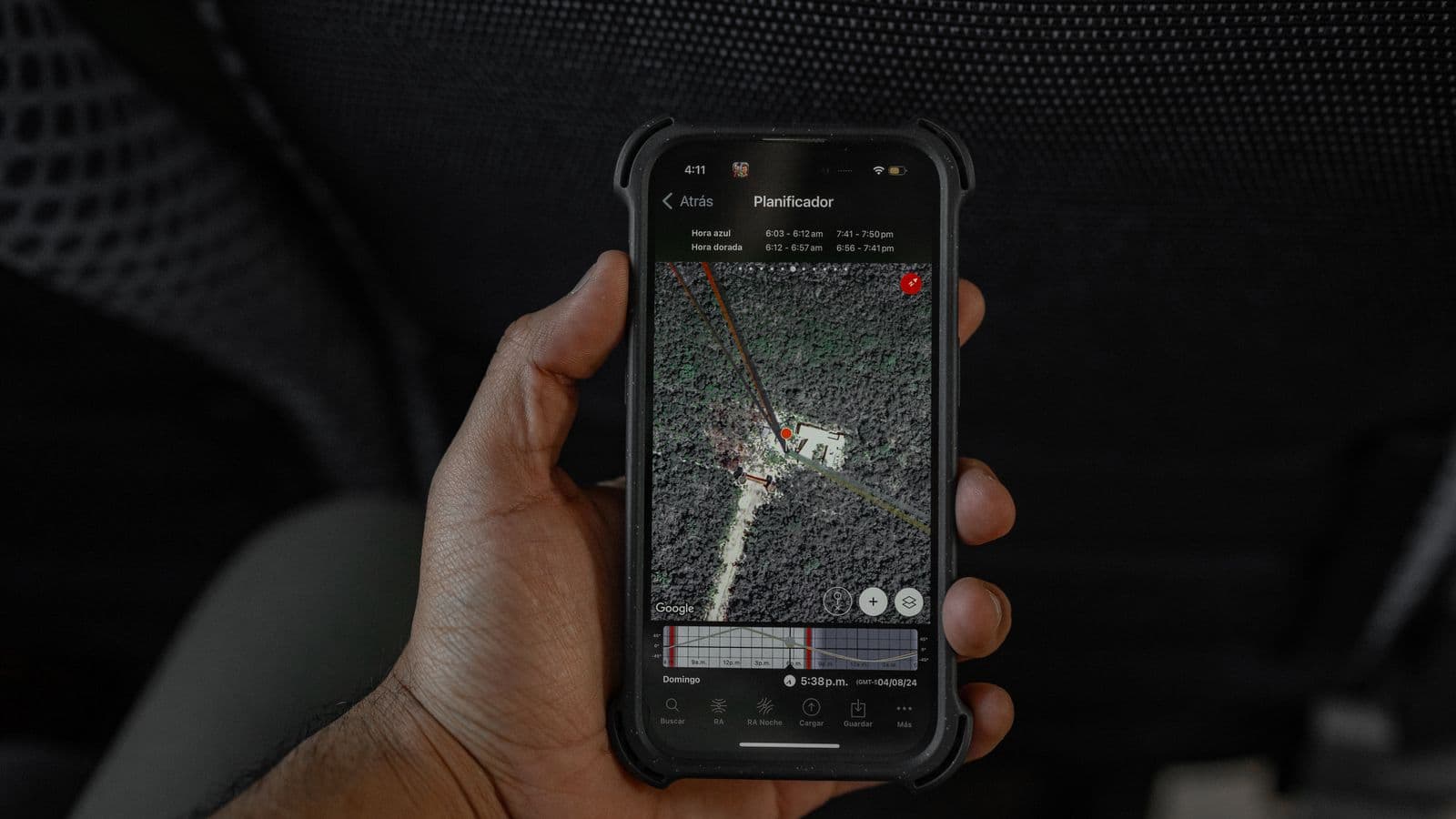
Yes — if the photo was taken on a phone with location services on, there's a good chance it's carrying the exact GPS coordinates of where it was shot, embedded invisibly in the file itself. You won't see it when you look at the photo. Anyone who downloads it and knows where to look can.
Here's how it works, how to check your own photos, and how to remove it in one click.
How a photo ends up with your location in it
Most smartphone cameras write a block of hidden data into every photo called EXIF metadata — camera model, the exact timestamp, exposure settings, and, if location services were enabled for the camera app, the precise latitude and longitude of where the photo was taken. It's not a bug or a tracking feature being sneaky; it's a standard photography feature originally meant to help you organize and search your own photo library by location.
The problem is that metadata travels with the file by default. Post the photo somewhere, and the data goes with it — unless the platform strips it (more on that below), or you remove it yourself first.
What this actually looks like in practice
It's easy to underestimate how precise this is. GPS metadata isn't "somewhere in this city" — it's typically accurate to within a few meters. A photo taken on your porch carries your home address, decoded in seconds by anyone who checks. A photo from a hotel balcony on vacation reveals exactly where you're staying, in real time if you post it before you leave.
This matters most in situations where you wouldn't otherwise think to hide your location: a photo of a new apartment for a moving-day post, a product photo for an online listing, a photo shared in a group chat that gets forwarded further than you expected.
Do social platforms remove it automatically?
It depends on the platform, and it's not something most people can verify without checking directly. Some major platforms do strip metadata on upload as part of their image processing pipeline — but "some" and "most of the time" aren't the same as "always," and it doesn't help you at all for photos sent directly (email, messaging apps, cloud storage links, or files you upload to a website or marketplace) rather than through a platform's own upload pipeline.
The safer assumption: don't rely on a platform to strip it for you. Check and remove it yourself before the photo leaves your device.
How to check a photo for GPS data
- Drop it into the metadata viewer.
- It reads the embedded metadata right in your browser — the photo isn't uploaded anywhere in the process.
- If GPS coordinates are present, they're flagged clearly, not buried in a technical table you have to decode yourself.
How to remove it
If GPS data (or any metadata) shows up and you don't want it attached to the photo:
- Use the remove GPS from photo tool — same drop-and-check flow.
- Click strip. This removes the metadata at the file level without re-compressing or re-encoding the image, so the photo itself looks identical.
- Download the cleaned version and use that instead of the original.
When this matters most
A few situations where checking first is genuinely worth the ten seconds it takes:
- Selling something online (marketplace listings, classifieds) — product photos taken at home carry your address by default.
- Real estate and rental listings — for the same reason, worth stripping before photos go on a public listing.
- Posting from a location you're still at — travel, a new home, anywhere you'd rather not broadcast in real time.
- Sharing photos with people outside your close circle — a photo forwarded further than intended carries the same metadata as the original.
None of this requires being paranoid about every photo you take. It just means knowing what's actually in the file before you decide who gets it.